Paint by numbersfrom your photo
Upload a photo and get a custom paint-by-numbers kit in seconds: a numbered canvas, a colour guide and the paint list in one printable PDF.
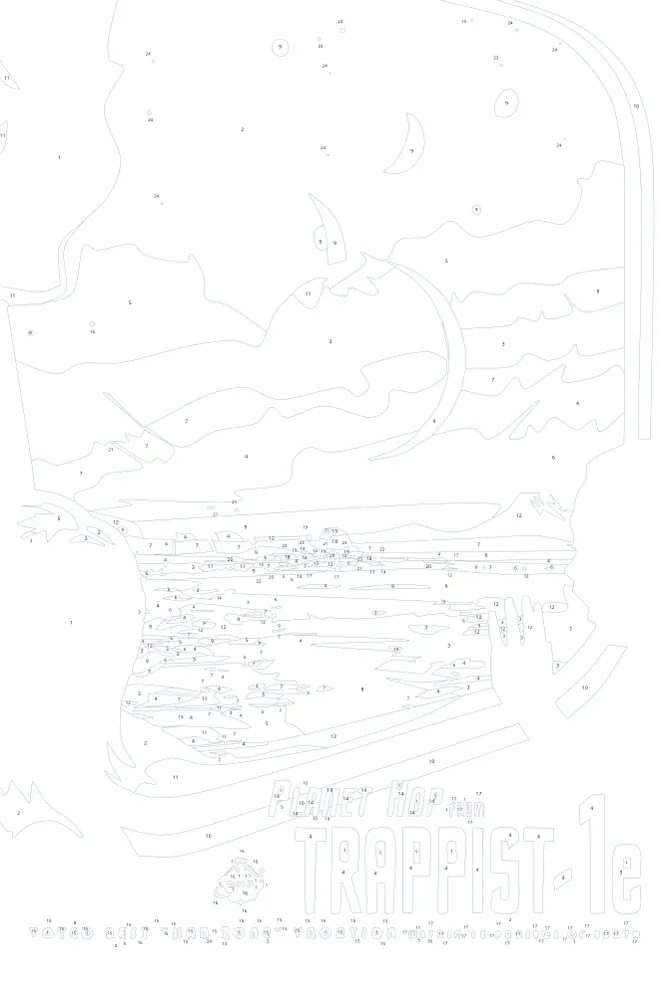
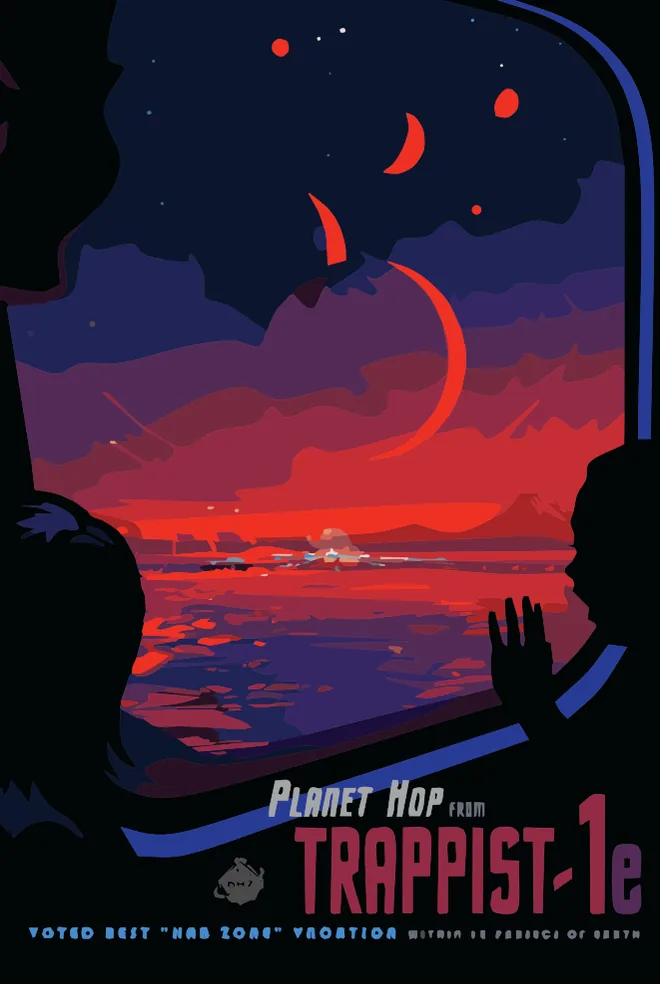 NumberedPainted
Try it nowPick your settings,see the kit
Play with the studio's choices on our example. Sign in with Google to make a kit from your own photo: 50 free GEN to start, and 10 more every week.
24 colours · medium detail · from photo
Sign in with Google · 50 free GEN, then 10 a week
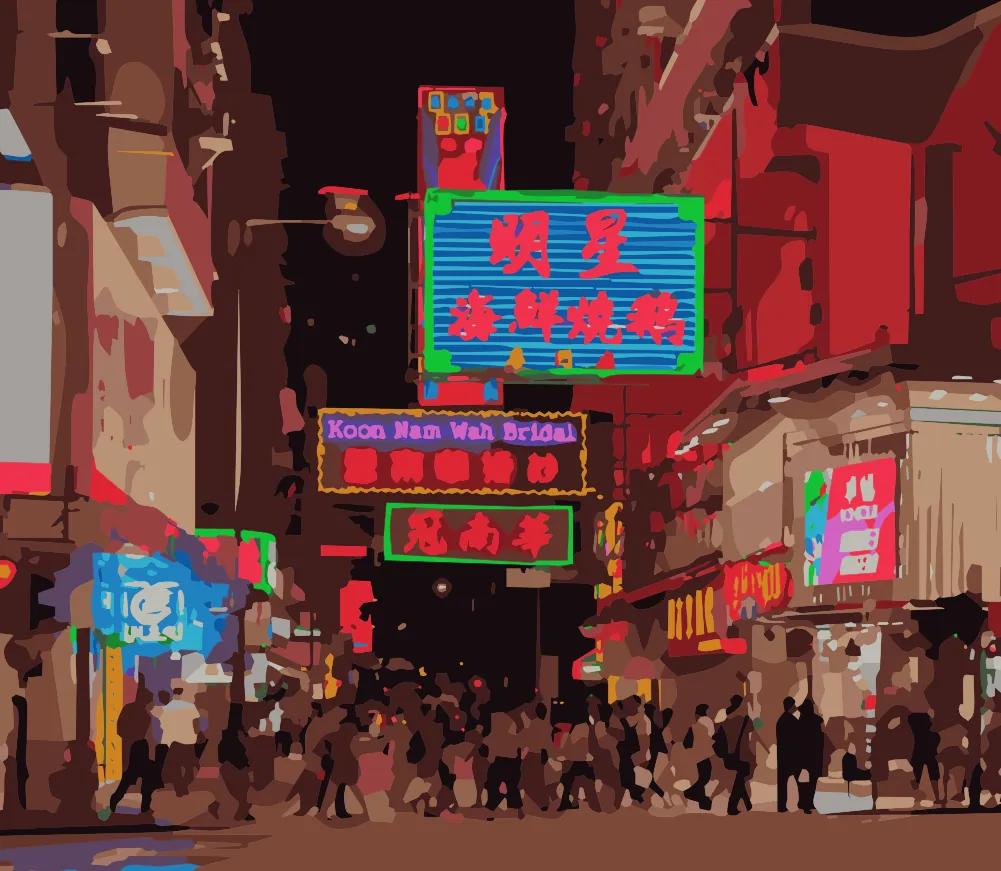
One painting,four pages
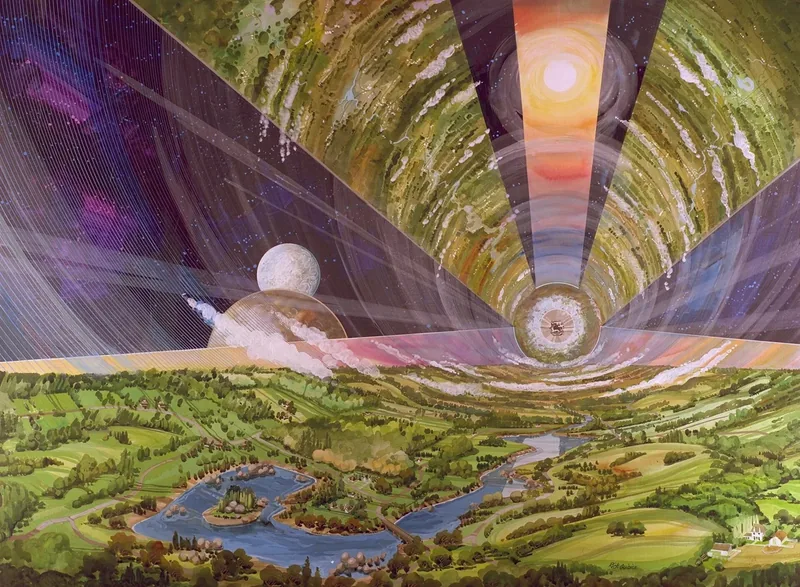
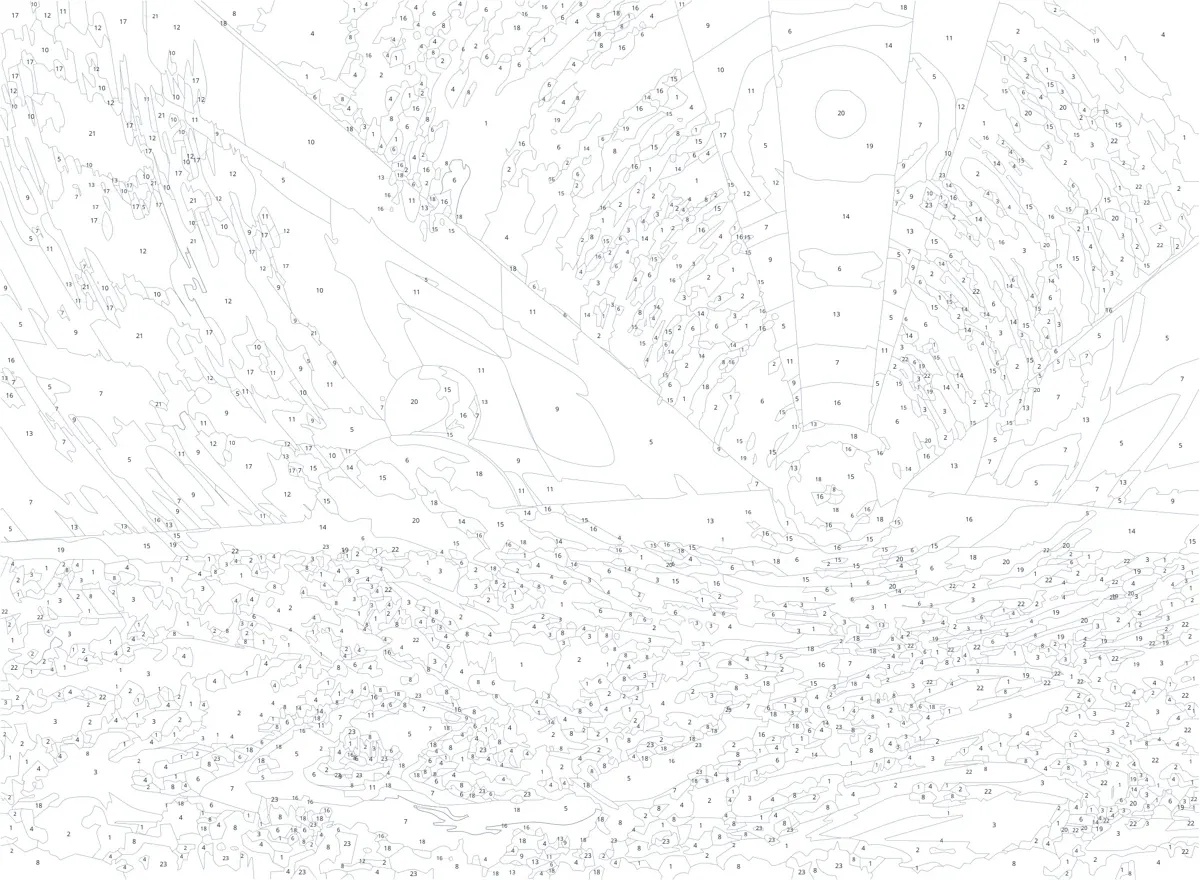
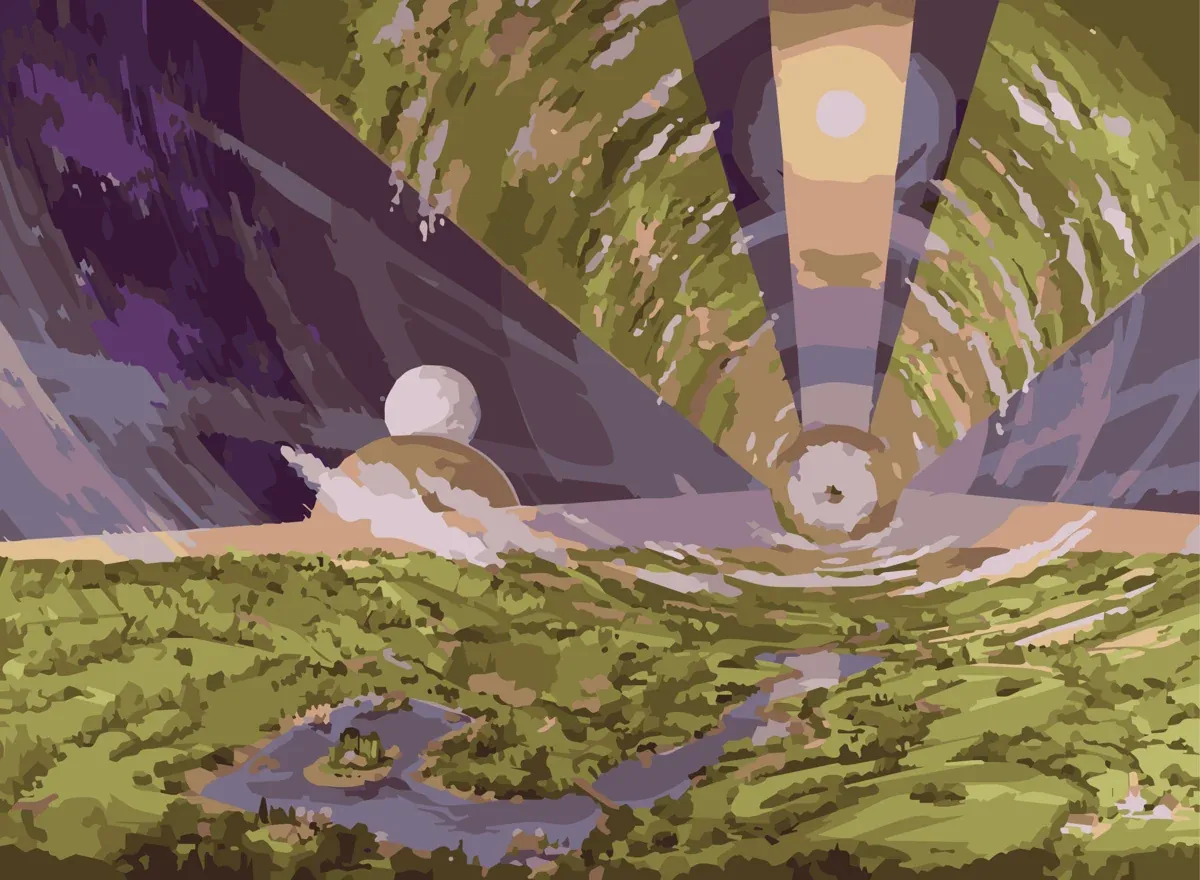
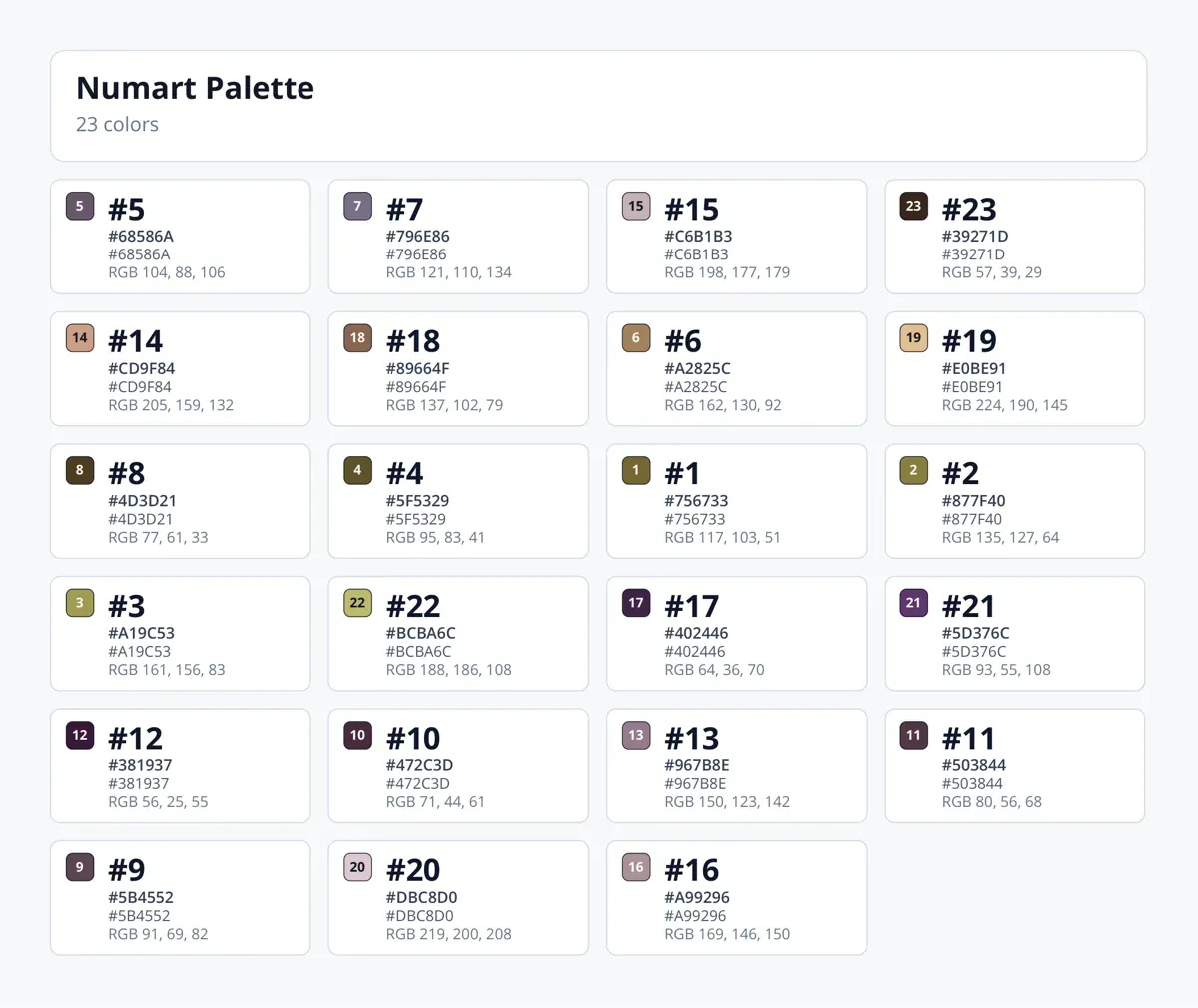
This is what Numart made from Rick Guidice's 1975 NASA painting of a space colony: 24 colours, medium detail, about five seconds.
What Numartcan do
Sheets made for painting: every area big enough for a brush and its number, and the details that matter kept whole.
Faces keep their eyes and lips
AI assistWith AI assist on, eyes and lips keep their own colours even with only a few paints, instead of melting into the skin.
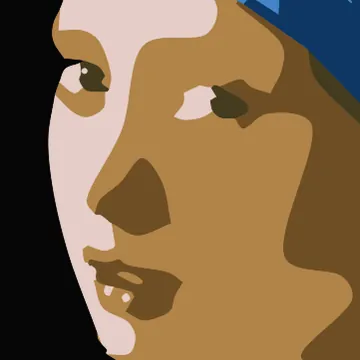
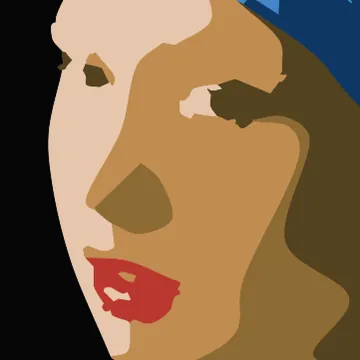
Girl with a Pearl Earring, c. 1665 · Vermeer · Mauritshuis, public domain Lettering stays readable
AI assistAI assist finds the lettering on a poster or a sign and keeps every letter whole, so thin strokes do not fall apart.


Kepler-16b, a Visions of the Future poster · Courtesy NASA/JPL-Caltech Calm, clean areas
No crumbs and no thin slivers: every area is big enough to paint and to hold its number, with smooth borders between them.
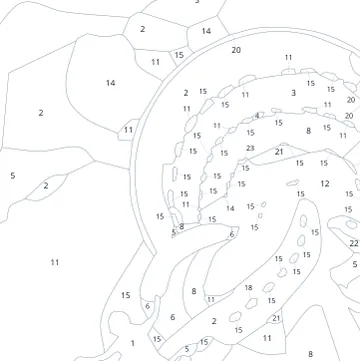
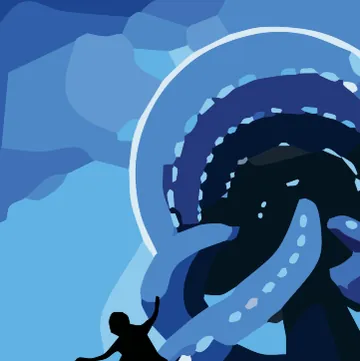
Europa, a Visions of the Future poster · Courtesy NASA/JPL-Caltech Standard paints, by name
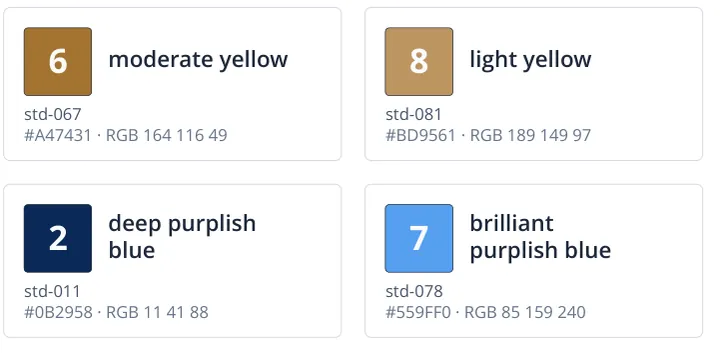
Choose standard paints and the colour list gives every number a paint name as well as its colour code.
Girl with a Pearl Earring, c. 1665 · Vermeer · Mauritshuis, public domain Your sheet, your style
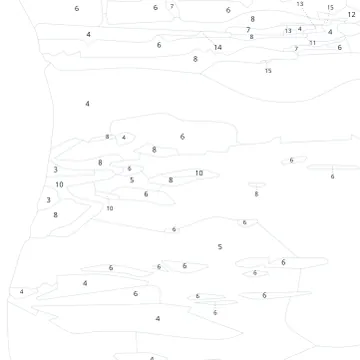
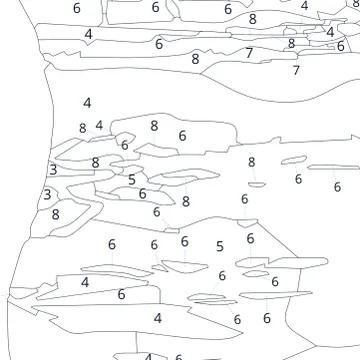
Small or large numbers, and light or dark outlines at the opacity you like: faint under thin paint, or easy on the eyes.
TRAPPIST-1e, a Visions of the Future poster · Courtesy NASA/JPL-Caltech Your language, your photos
Numart speaks all of these languages. Your photo is processed in memory and never stored, and the sheets you make are yours.
- English
- Español
- Deutsch
- Français
- 日本語
Which photos paint best
- Soft light on facesEven light keeps skin in a few calm shades.
- One clear subjectA person, a pet or a house, not a crowd.
- Big shapesLandscapes and still lifes paint well at any detail.
- Start simpleFewer colours and less detail for a relaxing first kit.
Free to use10 free GENevery week
+ 50 GEN welcome bonus
Every week brings 10 GEN that are spent first, and a new account also gets 50 welcome GEN. A GEN is one generated kit: the numbered sheet, the colour guide and the paint list. We do not keep your photos, and the sheets you make are yours: we claim no rights to them.
Questionsand answers
How do I turn a photo into a paint-by-numbers kit?
In the studio, sign in with Google and upload a photo. Pick the colours, the detail and the page, and Numart makes the kit in about five seconds: a numbered sheet, a colour guide and the paint list in one printable PDF.
Which photos work best?
Photos with soft, even light and one clear subject, such as a person, a pet or a house. Landscapes and still lifes paint well at any detail. Any photo of up to 10 MB will do.
How many colours can a kit have?
8, 12, 16, 24 or 36. Fewer colours and less detail make a quicker, more relaxing kit; more colours look closer to the photo.
Which sizes can I print?
A4, A3, the photo's own proportions, or a canvas from 30×40 cm to 60×75 cm or from 8×10″ to 24×30″. The PDF has the size you chose, so a print shop can print it as it is.
Which paints do I need?
Any paints you like; acrylics are the usual choice. With standard paints, every number in the colour list has a paint name and a colour code; with colours from the photo, it has the colour code to mix or match.
How do I get the picture onto a canvas?
Print the numbered sheet at the size you chose, or have a print shop print it on canvas. You can also trace its outlines onto a canvas, and keep the colour guide beside you while you paint.
Is Numart free?
Yes. Every account gets 10 free GEN a week, which are spent first, and a new account 50 welcome GEN; one GEN makes one kit. Free GEN are a promotional allowance that the terms let us change.
Do I need an account?
Making a kit from your own photo needs a Google sign-in. The demo on the home page shows every setting on our example without one.
What happens to my photo?
It is processed in memory and never stored. A traced description of it (outlines, regions and palette, not the photo itself) is kept for up to two hours to re-render it with other settings, and the PDF is not kept. The sheets you make are yours.